
Transform Your Logo into a Stunning Video in Under an Hour

Transform Your Logo into a Stunning Video in Under an Hour

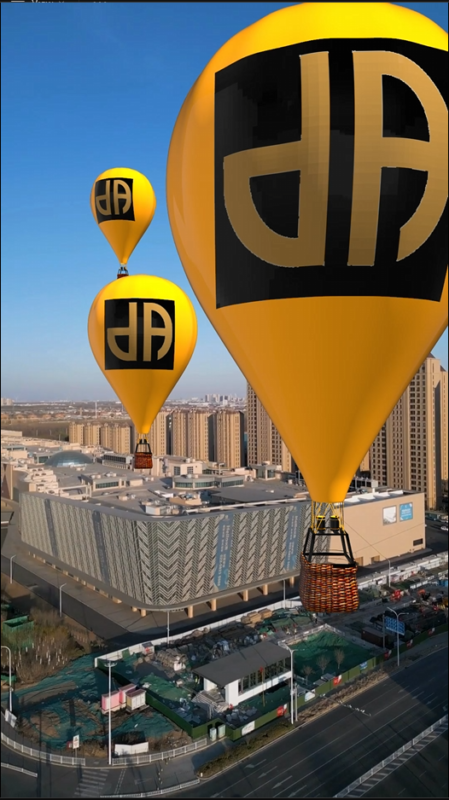
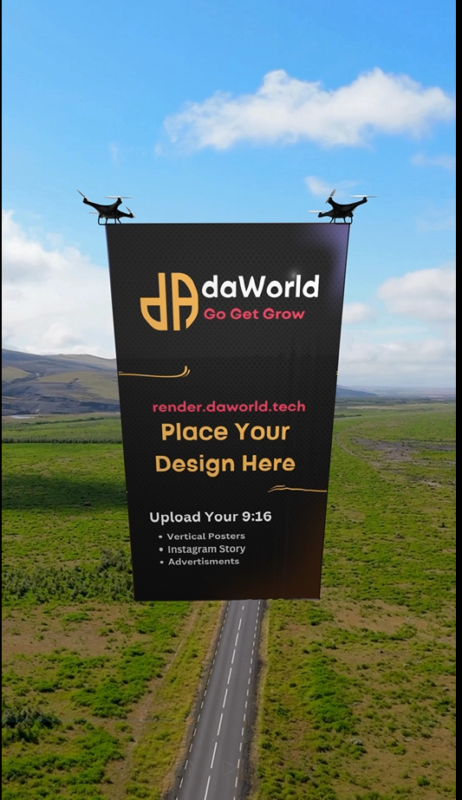
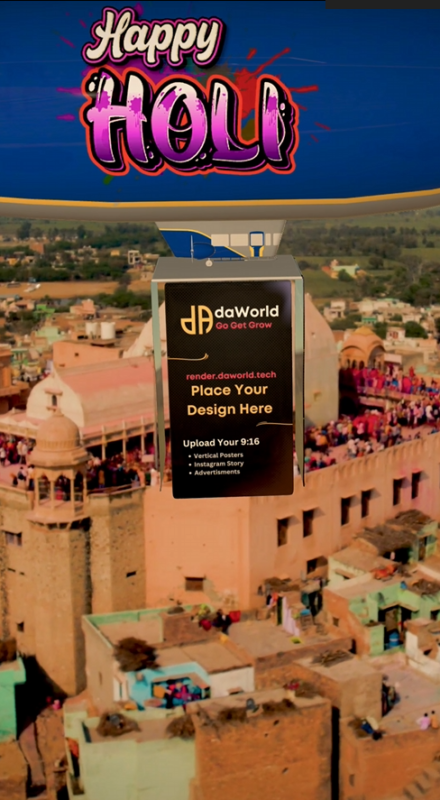
At render.daworld.tech, we’ve simplified the entire process of creating professional logo reveals and animated intros. Whether you have a simple PNG file or a Canva design, our platform takes your static artwork and turns it into a polished video—ready for use in presentations, social media, and brand campaigns.

Our Featured products

Latest Logo Designs

Why Choose render.daworld.tech?

Speedy Delivery

Receive your final video in less than one hour during our working hours (12 P.M. – 9 P.M. IST, 7 days a week).

Quality Animations

We use high-end After Effects templates tailored to your business style and branding.

User-Friendly Process

Simply upload your logo or edited design—we handle the intricate rendering.

Flexible Template Options

Some products come with a direct Canva template link, so you can personalize fonts, colors, and text before uploading.

How It Works

01. Select a Template

02. Prepare Your Logo or Design

Standard Logo Upload

Most templates only require a PNG, JPG, or SVG of your logo. Keep the file dimensions clear and high resolution for best results.

Canva-Edited Graphics

    1. If the product page mentions “Edit on Canva”, simply open the provided link, modify the design to match your branding (change text, background colors, or add icons), then download it as a PNG file.
    2. Return to render.daworld.tech and upload this final image to the template’s upload section.

03. Upload Your File

Easy Drag & Drop

  • Each product page has an upload field. Drag your logo or image file and drop it directly, or click to browse from your device.
  • Double-check if your file is the correct format (recommended PNG with transparent background for logo reveals).

Preview & Confirm

  • See a quick preview of your file placement (where applicable) and confirm all spelling, colors, and sizing match your expectations.
  • Add any special instructions in the comment section if needed (e.g., “Use brand color #FF5733 for background” or “Shorten the fade-in duration, if possible”).

04. Fast Rendering & Delivery

Automated & Professional

  • Once your file is uploaded, our system queues it for immediate rendering. We use professional animation software (like After Effects) to generate a crisp, high-quality video.
  • The average turnaround is under one hour for standard templates, provided it’s during our operating hours (12 P.M. – 9 P.M. IST, 7 days a week).

Receive & Download

  • When your video is ready, you’ll be notified via email or your user dashboard on render.daworld.tech.
  • Download the final MP4 file directly and start using it across social media channels, website headers, or marketing campaigns.